
Sample workflow
A weekly competitor digest, built in Flow


- Every Monday 08:00Schedule trigger
- Watch a feedcompetitor.com/blog · newest posts
- AI summarizeThree bullets per post, plain English
- Build the digest PDFOne page per week, our template
- Post to Slack#market-watch · with the PDF attached
-
Describe
Explain the task as you would to a colleague.

-
Review
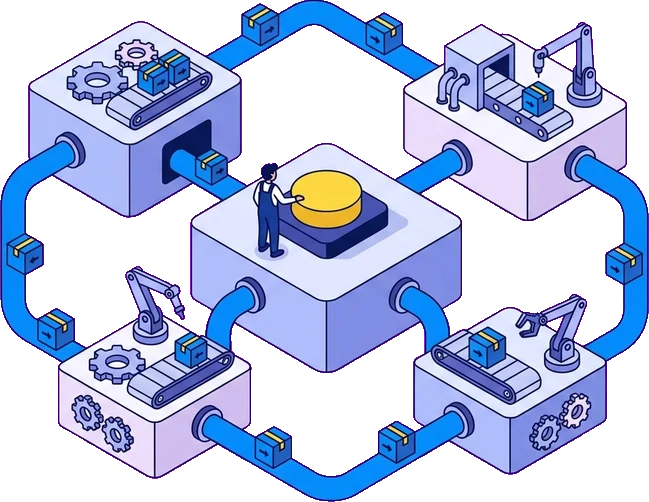
Flow drafts the workflow on the canvas. Change any step.
-
Test
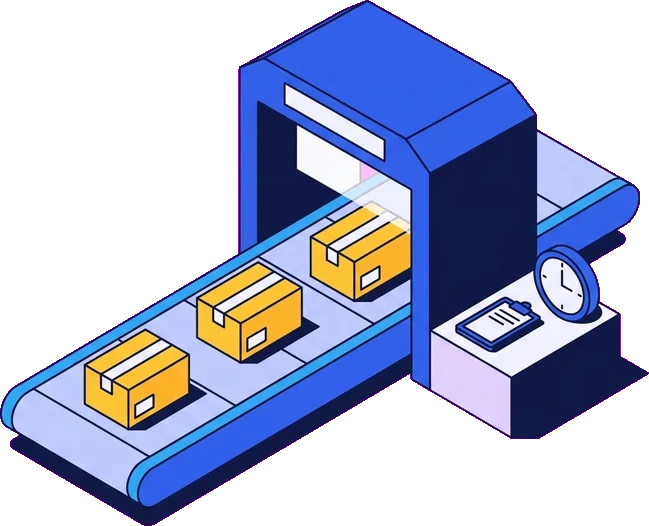
Run it once, check each step and fix what fails.
-
Enable
Turn it on. Every run is recorded and can be replayed.

Try Flow
Describe a task and Flow drafts the workflow
You review it, test it and turn it on.
Your prompt
Sign in to build this with Flow
Free to start. No card needed.
Features
Runs on schedules and webhooks, and logs every run
Triggers
Run on a schedule in your time zone, with daylight saving handled, or from a webhook.
Steps
HTTP calls, email, filters, branches and AI blocks for text, structured data, images, classification and decisions.
Apps
Gmail, Google Sheets, Drive, Docs, Microsoft, Slack, Jira and Canva, connected with your own credentials.
Reliable runs
Every run is recorded and replayable. Steps retry, time out and cancel cleanly.
Clear billing
The person who enabled a workflow pays for its runs, including scheduled runs overnight.
Token usage per run
AI steps spend Tokens, shown for each workflow and each run.
Works with Sparked
Start automations from Sparked courses
Sparked sends a webhook when a learner finishes a slide, submits an activity or turns in a Code Box project. Flow can act on it. Flow can also pull progress data on a schedule through Sparked's Partner API.
Flow is a standalone product. It connects to Sparked through webhooks and the Partner API. It does not run inside Sparked.

Get in touch
Tell us a manual task and we will show you how to automate it
Tell us what you need and we will recommend a first step.
- Reply within one business day
- No spam or sales pressure
- English, or your language where possible